1. Visit the platform's homepage and log into your account.
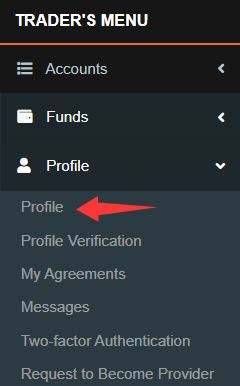
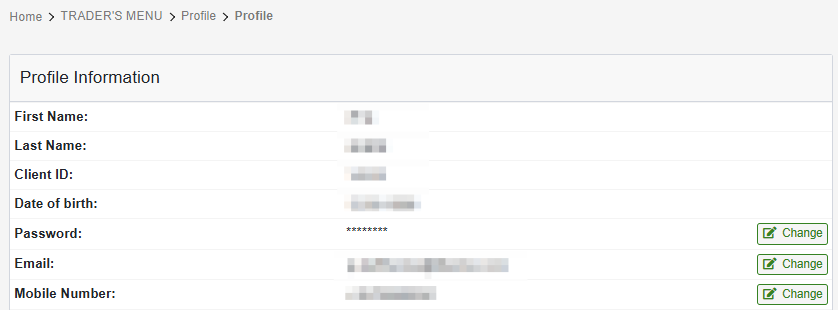
2. After logging in, go to the "Trader’s Menu". In the "Profile" section, click on the subcategory "Profile".
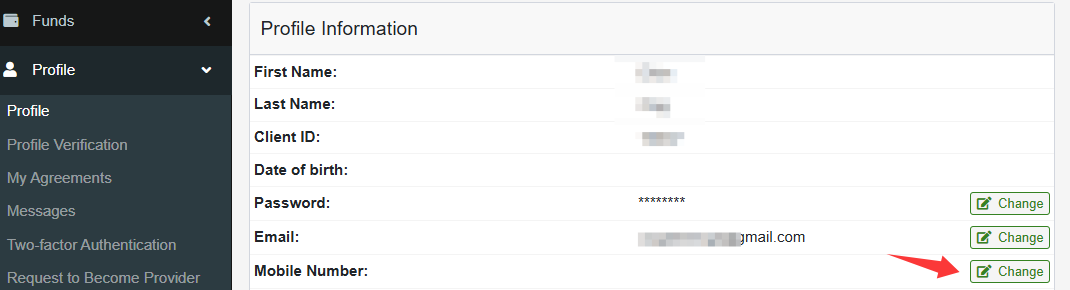
3. Locate your current Mobile number and click "Change".
4. Choose "Email" to receive the PIN code, then click "Continue".

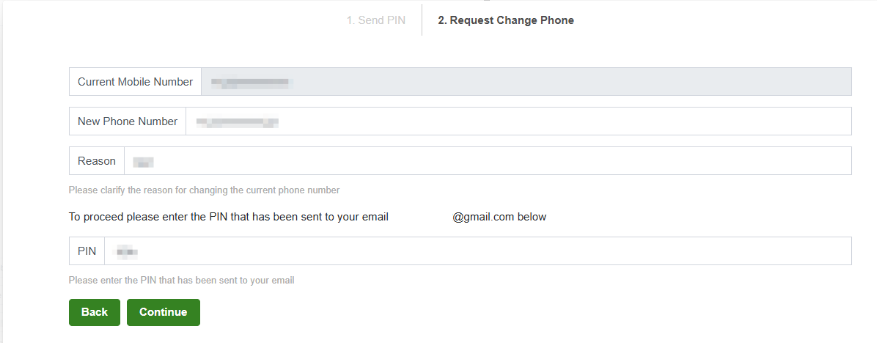
5. On the "Mobile Number Change Request" page, enter the following details:
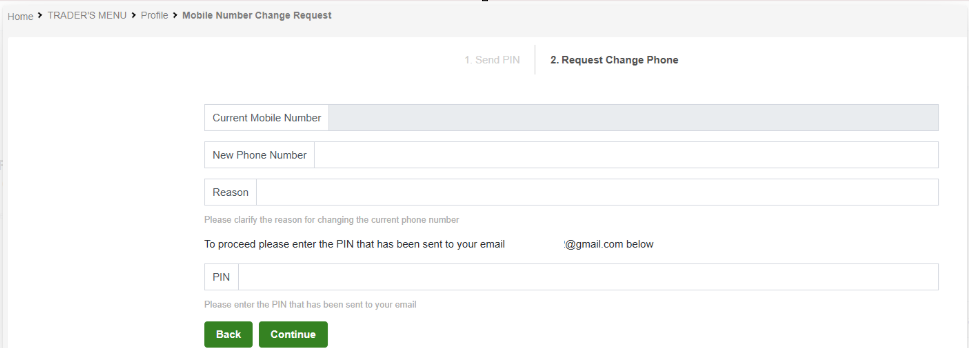
New Phone Number
Reason for Change
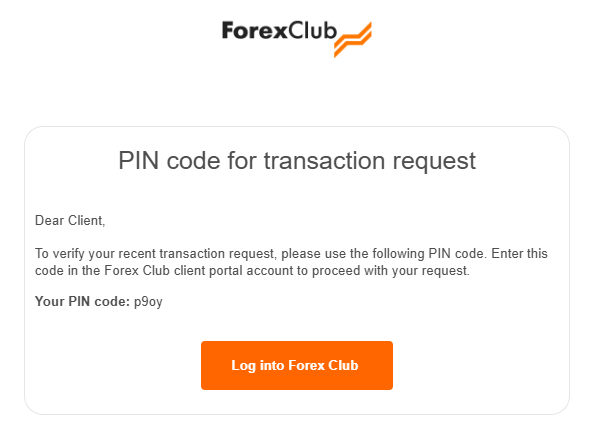
The PIN code received in your email
Then click "Continue" to submit the request.
6. Once the change is complete, the new phone number will be displayed.
Was this article helpful?
That’s Great!
Thank you for your feedback
Sorry! We couldn't be helpful
Thank you for your feedback
Feedback sent
We appreciate your effort and will try to fix the article