In order to check transactions history, please follow the next steps:
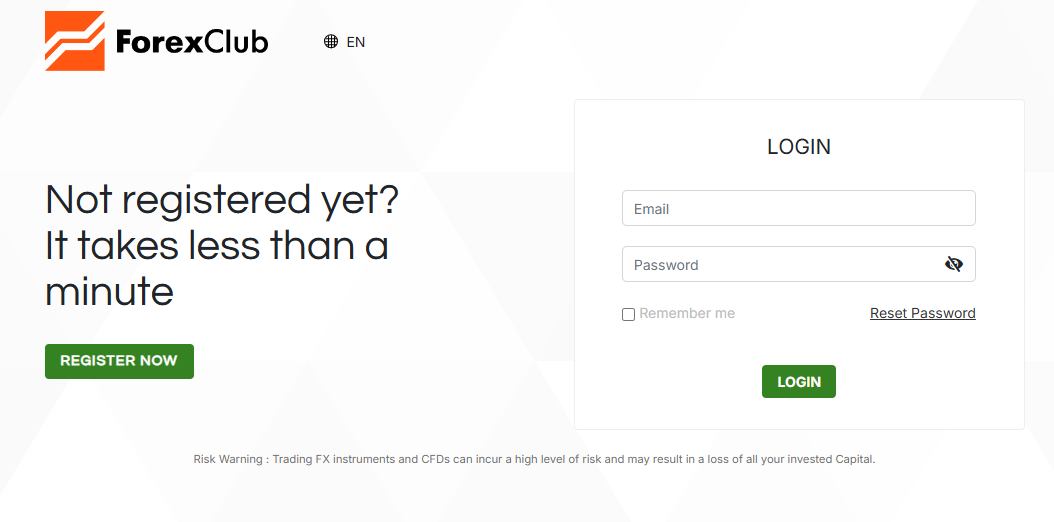
Log in to your account.
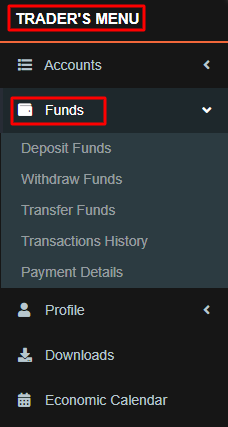
Go to the "Trader’s menu".
Click on the "Funds" section.
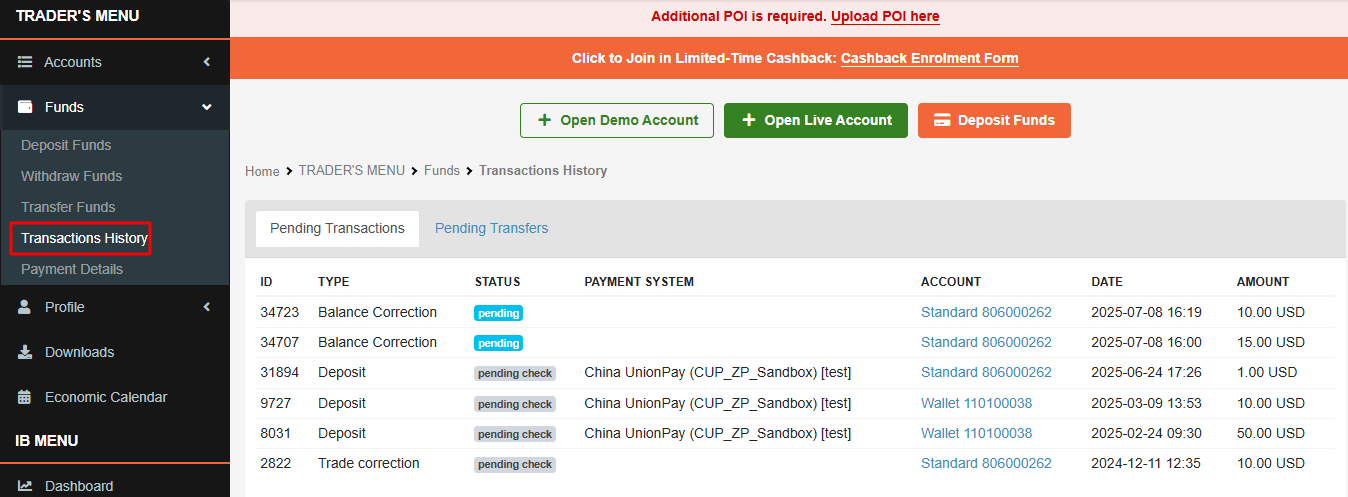
Select "Transactions History" to view all deposit and withdrawal records.
In case of any questions, please feel free to contact our Customer Support team.
Was this article helpful?
That’s Great!
Thank you for your feedback
Sorry! We couldn't be helpful
Thank you for your feedback
Feedback sent
We appreciate your effort and will try to fix the article